


4.8 out of 5 Stars
7,100+ Ratings in the Apple App Store

Get our free printable running plan, specifically tailored for beginners
Access exclusive strength & mobility training videos
Overcome common injuries with our expert tips
Join our 12,000+ strong running community
If couch to 5k is too hard - this is the plan for you! This has got me running after injuries and surgeries and starting all over building fitness! Great program and lots of support!

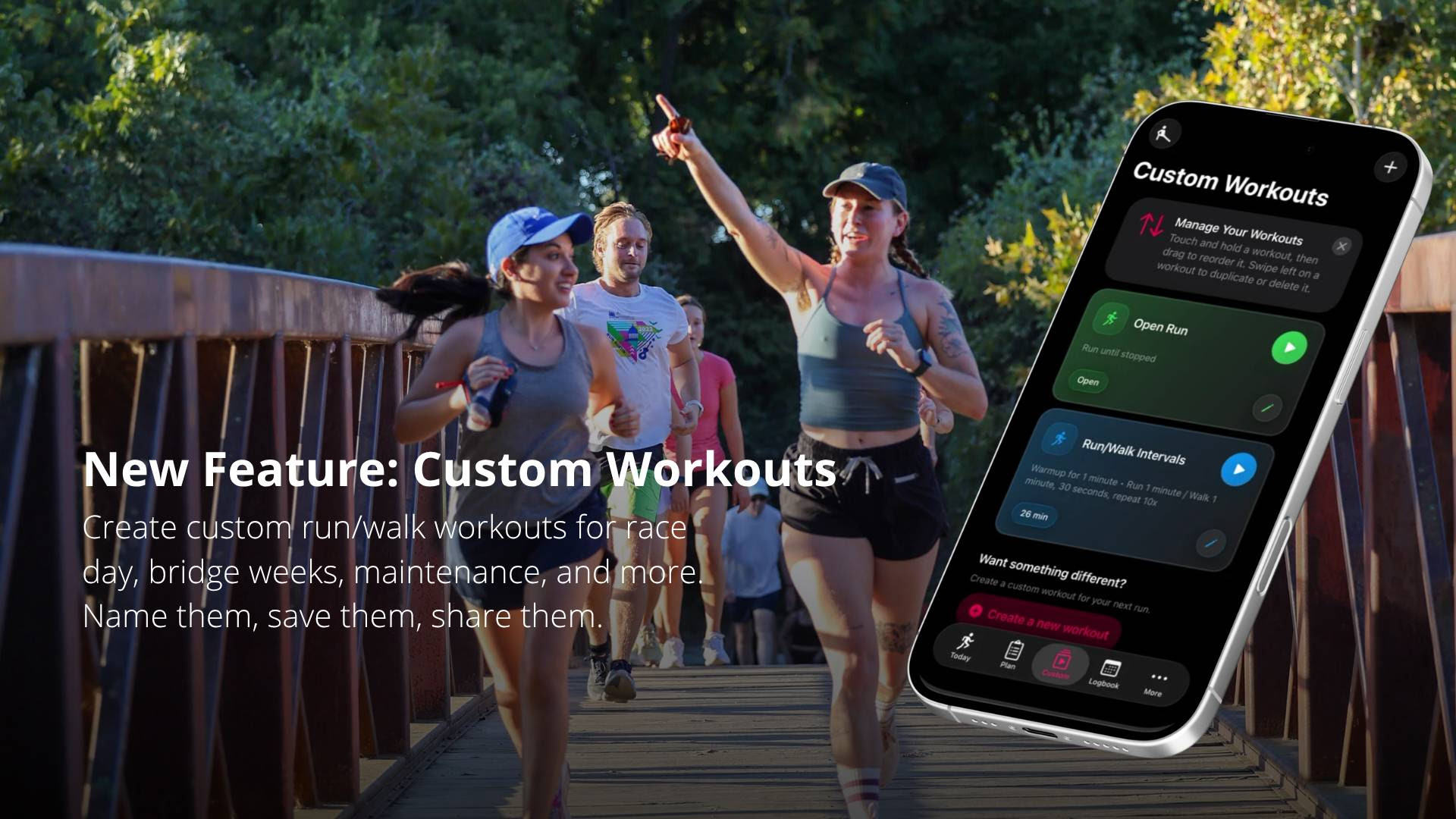
If you've made it through the None to Run program — well done. That's not a small thing.
"I completed Week 12. Now I don't know what to do."
"I got injured and nothing in the app fits what my physio prescribed."
"I just want to run my own way, without following someone else's plan."
We built Custom Workouts for exactly those moments.
N2R graduates who want to keep running without restarting a plan. Build the run/walk ratio that works for your body right now, save it, and run it whenever you want. Or start with None to Run Keep Going — a maintenance workout I built for exactly this stage.
Injured runners coming back under a doctor's or physio's guidance. Create whatever interval they've recommended — even something as gentle as 10 seconds of running and 4 minutes of walking — and it logs normally in your training log.
Runners who want to build their own thing. Fartleks, pyramid intervals, race-day strategies — build it from scratch, name each step, and your voice coach will call it out as you run.
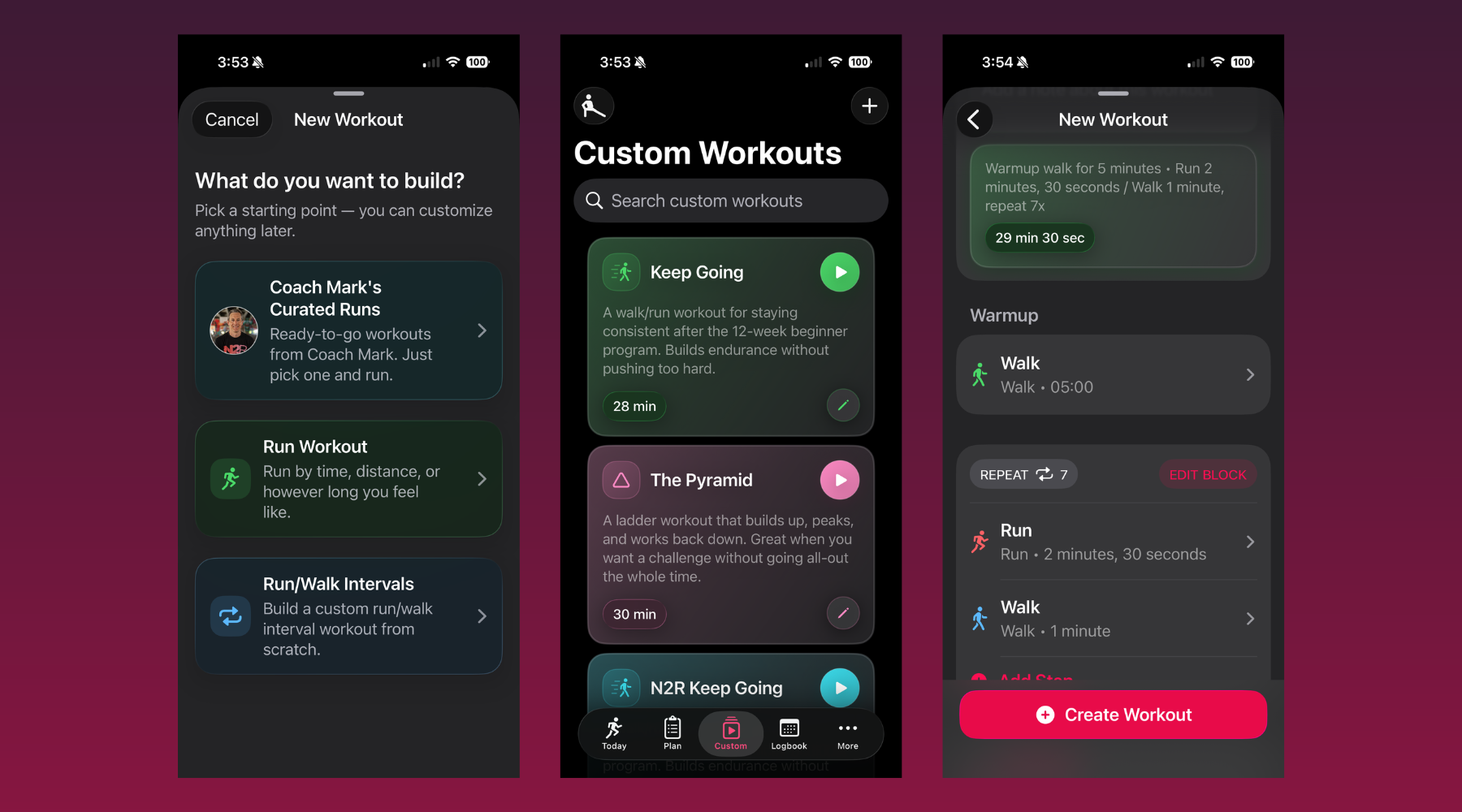
First, be sure to update to the lates version of the app (version 2026.5).
Open the None to Run app and tap Custom in the bottom menu. Available now on iPhone and Apple Watch. Android coming soon.
Questions? Reach us at support@nonetorun.com — or for anything running-related, email me directly at mark@nonetorun.com.
Running doesn't stop when the plan does.
Go build a workout!
You don’t need to be fast, fit, or fearless to become a runner.You just need a simple plan, an encouraging community, and the consistency to keep showing up — and None to Run gives you all three.

7,100+ Ratings in the Apple App Store

Time is hard to come by. Kids, work, and other commitments can get in the way. You need a plan that's easy to follow and can work around you, not the other way around.

You look "weird" when you run. You’re “not” a runner. You’re too “slow” or too "Old." We're here to tell you right here, right now, that you’re wrong. You only *think* these things because it's new and you feel uncomfortable. That'll change with consistency and time. You are a runner!

It may have been hard previously, but it doesn't have to be – now, you'll be given the tools and the knowledge to succeed. We’re doing things differently in order to see different results.

Running when you aren't ready or without the proper training can hurt, leaving you with nagging injuries that never seem to clear up. We ease you in, giving you the strength and conditioning you need to make sure your running doesn't come with pain.